If you’re a beginner in the world of eCommerce and looking for an affordable and easy-to-use platform to launch your online store, Shopify’s Starter Plan might be just what you need. In this article, we’ll make a throughout Shopify Starter Plan review: its features, and pricing, to help you determine if it’s the right fit for your business.
Shopify Starter Plan Review: Summary
What Is It?
Shopify is introducing the Starter Plan as a replacement for Shopify Lite as the simplest version of the platform. For just $5 per month, you can quickly set up a Starter store with Shopify’s top-notch checkout process, offering a straightforward and convenient option for online merchants.
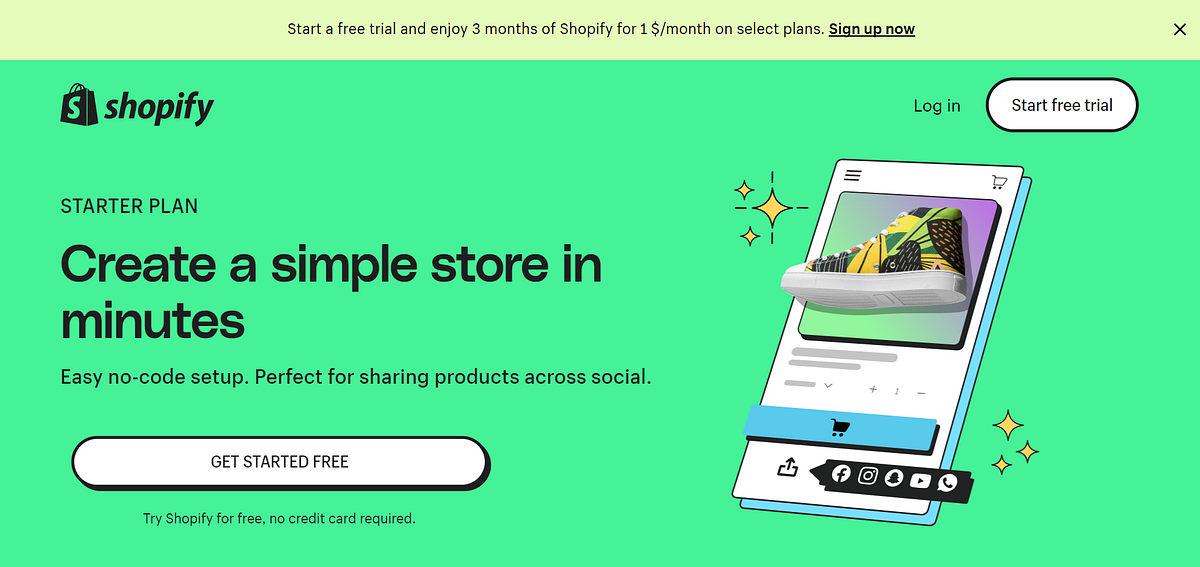
This plan is perfect for those looking to sell products on social media, email, SMS, WhatsApp, or any other platform where product links can be shared. The best part is that it requires minimal setup time and effort. Moreover, with mobile optimization, the Starter Plan ensures that customers can easily purchase your products on the go, wherever and whenever they discover them.
How much does it cost?
The Shopify Starter Plan will cost $5/month, with the transaction fees being around 5% when you use Shopify Payments.
But right now, with new customers, Shopify is offering a 3-day free trial, with no credit card needed, and $1/month for the following 3 months. That means, with roughly the average price of a Starbucks, you will have more than 3 months of access to any Shopify plan and only have to pay transaction fees when there is an order. This discount is for new customers, so they would have time to set up and get familiar with the plan that fits their needs.
What it’s for?
This plan is perfect for solo beginning sellers with limited resources.
The Shopify Starter plan provides a simple and efficient way to launch a business or test out the idea of a sale, without the need to invest a significant amount of time or startup capital into building a full-fledged website.
By opting for the Starter plan, you gain access to crucial features such as product pages, checkout, Inbox, and Linkpop, allowing you to commence selling right away, even if you only have a smartphone at your disposal.
Basic features that help you to launch your online store
What do you get?
The Starter plan offers:
- Theme: A dedicated start theme that includes all the essential pages that an eCommerce store needs: product pages, a contact page, a 404 page, a cart page, a home page, and a check-out page. This is a great tool for creating an eCommerce store that reflects your company’s branding. You can customize the theme to suit your brand’s visual identity, adding your logo, colors, fonts, and other design elements. The theme includes all the essential pages that an eCommerce store needs. By using this theme, you can save time and money on designing and developing your store from scratch.
- Storefront: A simple storefront, unlimited product adding, fast and secure checkout. With this, your customers can have a seamless buying process, which helps to double sales and checkout rates.
- Essential tools: Access to Shopify apps, the Linkpop tool for eCommerce, and Shopify order management with an integrated fulfillment network. These tools are for you to manage your store effectively.
- Support and report: Access to Shopify’s customer support, reports, and international commerce. This helps you to thoroughly understand your customers and find ways to expand your customer base.
Linkpop’s shoppable links — The feature that makes it all worth it
If you are wondering what is the best feature that this plan offers, then the answer must be Linkpop’s shoppable links.
Linkpop is a tool that helps users create a mobile-friendly link in bio page to connect all their links in one place, including social accounts, websites, YouTube, and more. It is seamlessly integrated with Shopify stores and offers shoppable links, which allow users to guide customers to specific products and pages to boost sales. To use the tool, users simply add their links and customize their page before publishing it. And although Linkpop is a free tool that anyone can use, regardless of whether they have a Shopify store or not, Linkpop’s shoppable links require a Shopify subscription, which starts with the cheapest plan, Shopify Stater. Linkpop’s shoppable links are clickable links that take customers directly to a product page where they can purchase the product without leaving the Linkpop landing page. This feature makes it easy for businesses to sell their products directly from their landing page. With Linkpop’s shoppable links, you can begin selling your products to a wider audience on social media platforms like Facebook, Instagram, WhatsApp, TikTok, Etsy, LinkedIn, and others with ease. You can also share your products conveniently via email, SMS, and any other desired platforms.
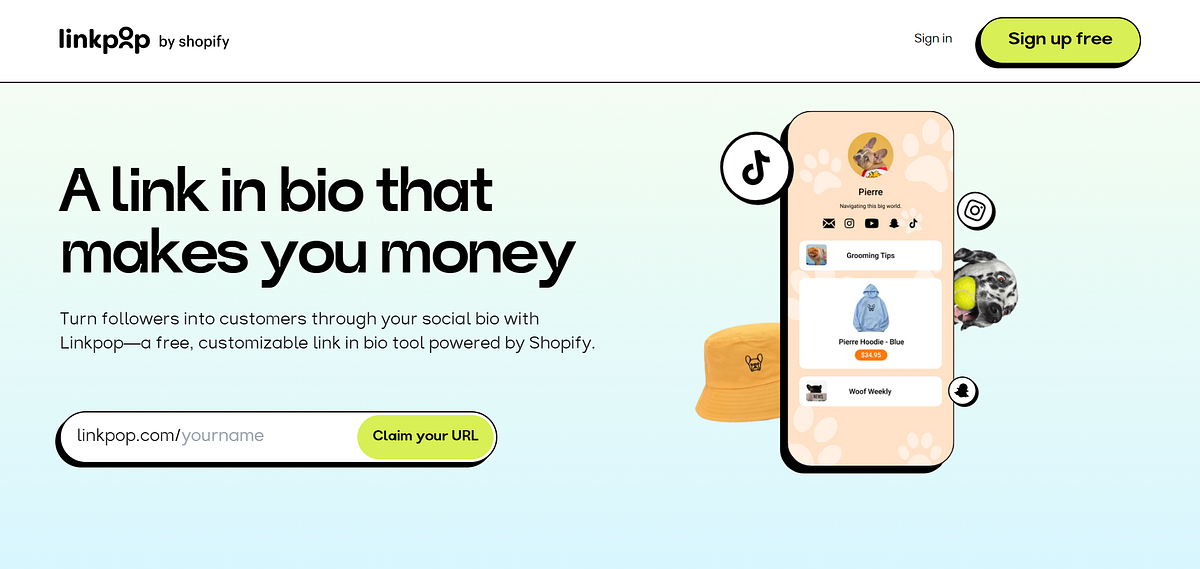
Linkpop’s shoppable links have many advantages for businesses. One of the main advantages is that it allows businesses to sell their products directly from their landing page, without the need for customers to navigate through multiple pages. Additionally, Linkpop provides a centralized location for businesses to showcase all of their online content and social media accounts, making it easier for customers to find and connect with them.
Linkpop’s shoppable links are a great feature for any business that sells products online or wants to showcase online content in a centralized location. Small businesses can use Linkpop as an online business card, providing customers with an easy way to find and connect with them. Social media influencers can use Linkpop to curate and highlight specific pieces of online content, making it easier for their followers to find and engage with their content. Especially, businesses with a growing social media following can use Linkpop to enhance their followers’ experience by providing shoppable links to their products directly from their social media accounts. Overall, Linkpop’s shoppable links provide a convenient and effective way for businesses to sell their products and connect with customers online.
Read more: https://magenest.com/en/shopify-starter-plan-review/
Comments
Post a Comment